
“Thanks to Telemarie, my father can finally see us and talk to us again.”
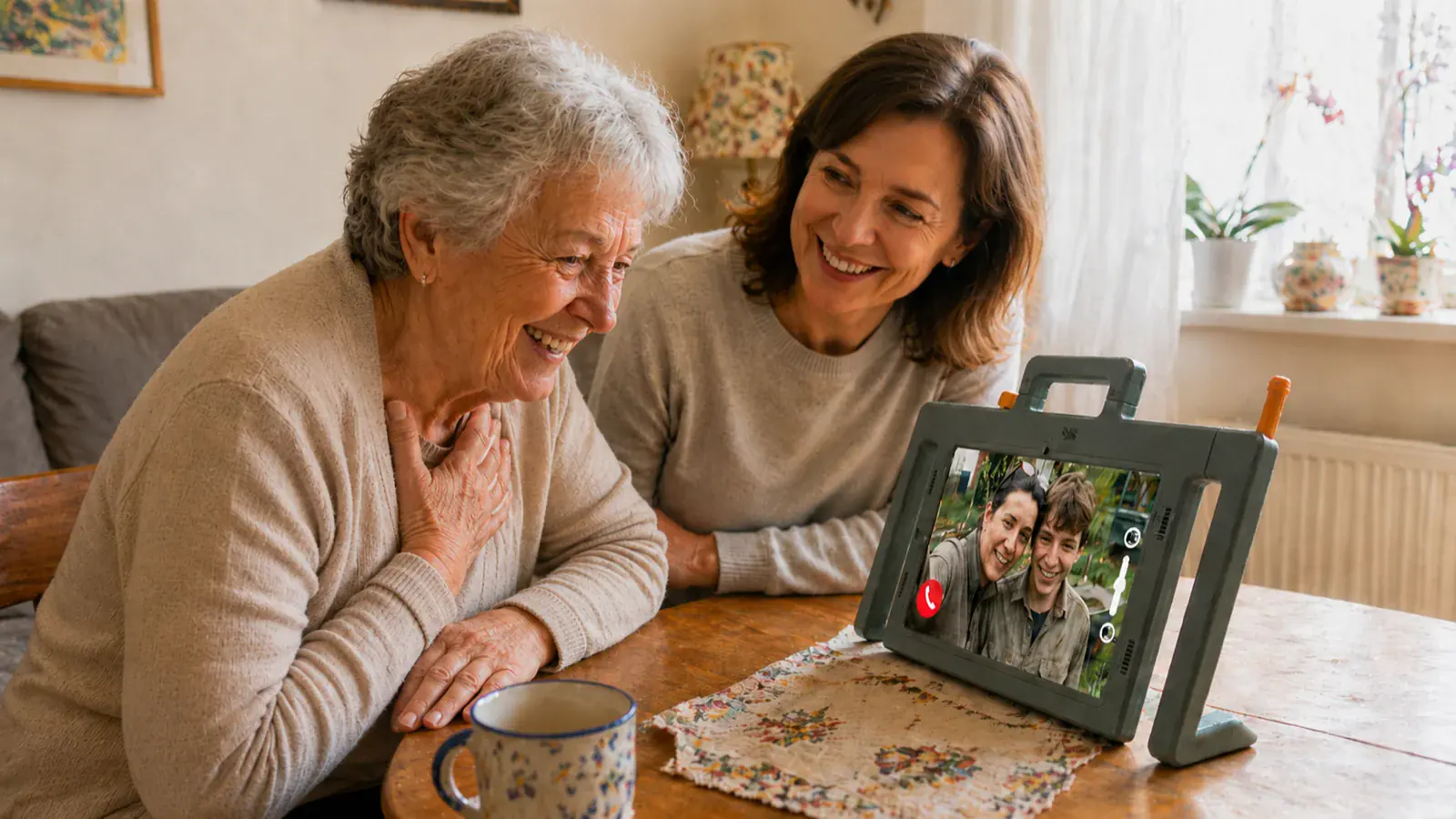
The easy-to-use tablet from Telemarie
A simple tablet for
staying close.
Telemarie makes video calls, family photos and messages easy for older people. It is calm, clear and simple to use—with none of the usual technical hassle.
- Simple to use
- |
- Cancel any month
- |
- Personal support
Why families choose Telemarie.
“I ordered Telemarie for my parents. Even my father, who has dementia, can use it intuitively.”
“It is very easy to set up, and the app lets us adjust it remotely whenever we need to.”
“The controls are very intuitive, even though she has no experience with smartphones or tablets.”
“Telemarie gets simple communication with older people just right.”
“Thanks to Telemarie, my father can finally see us and talk to us again.”
“I ordered Telemarie for my parents. Even my father, who has dementia, can use it intuitively.”
“It is very easy to set up, and the app lets us adjust it remotely whenever we need to.”
“The controls are very intuitive, even though she has no experience with smartphones or tablets.”
“Telemarie gets simple communication with older people just right.”
Award-winning and recommended
Reviews translated from German

Getting started
is easy
Three simple steps to staying connected
1
Order online
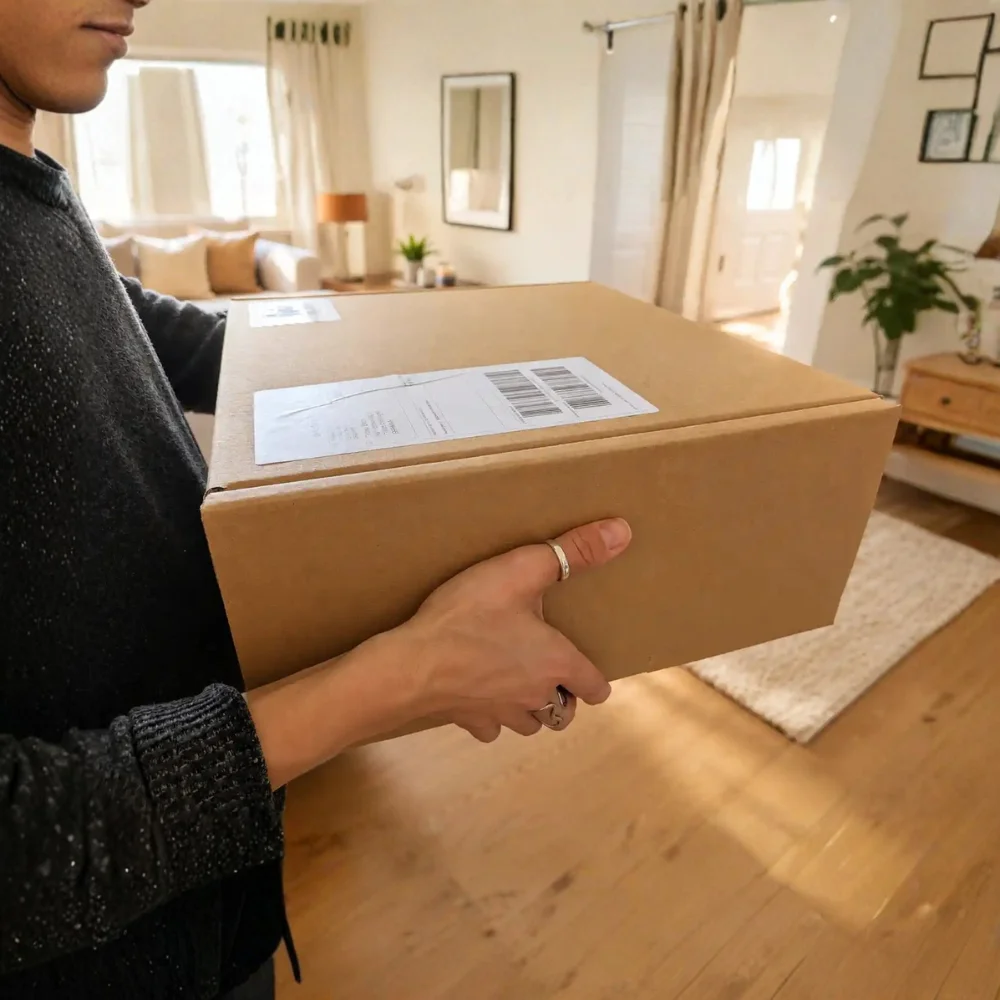
Choose the right option and have Telemarie delivered to your home within a few days.
2
Set it up as a family
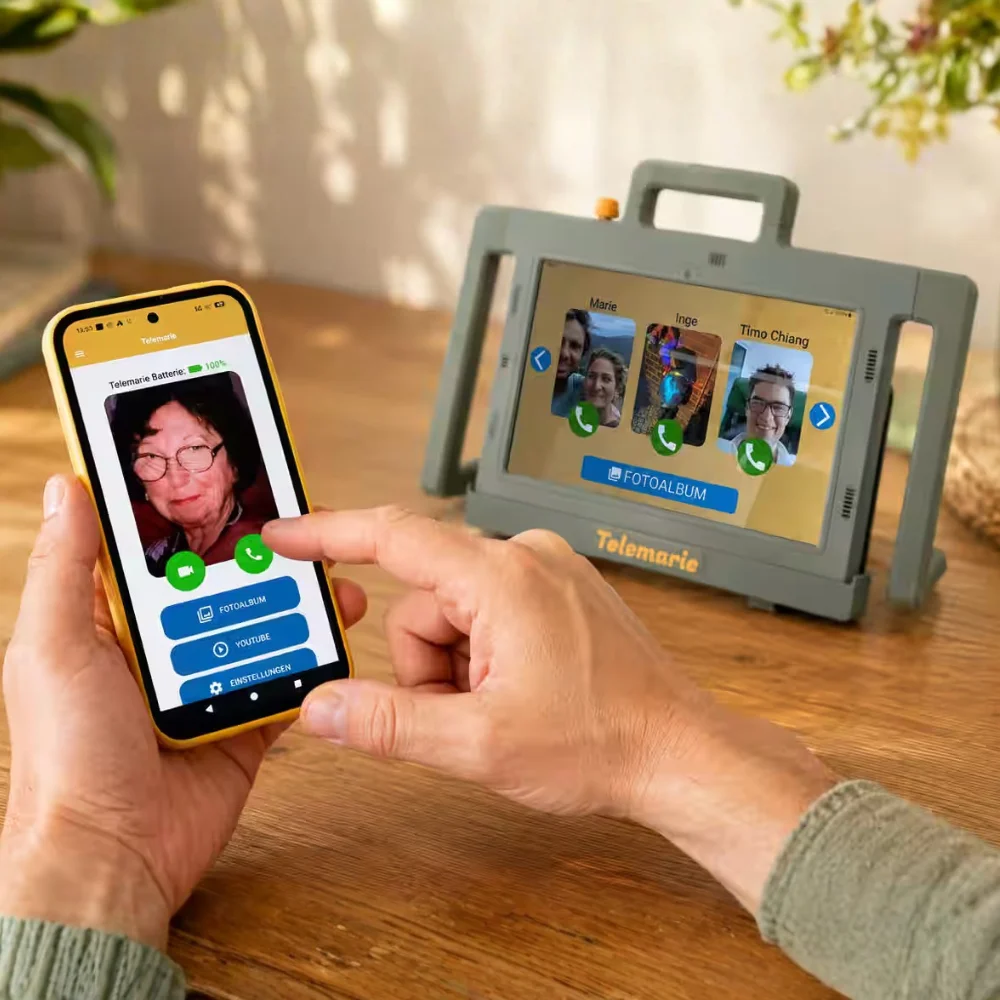
Use the Telemarie family app to add contacts and photos and choose which features to display.
3
Start using it together
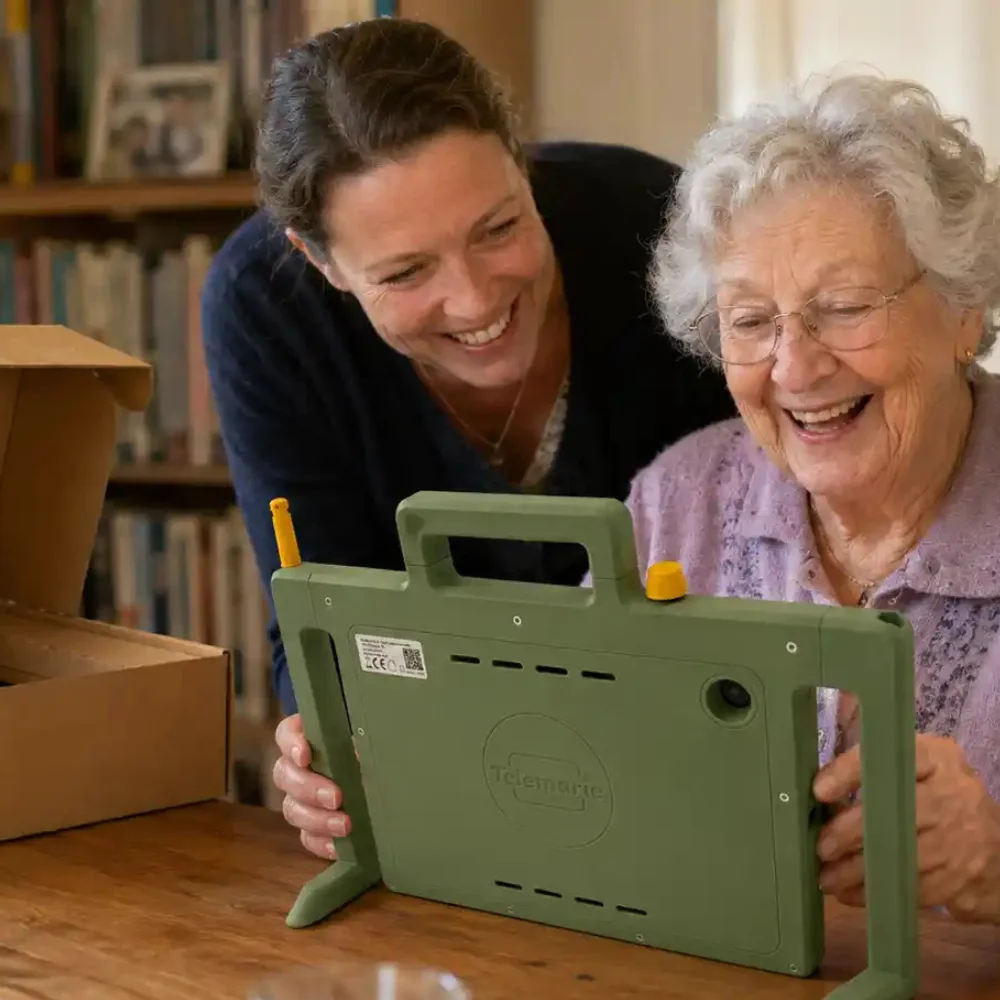
Take your time, explore Telemarie together and get started without any complicated technical set-up.
See Telemarie in everyday life.
See how Telemarie makes everyday contact feel calm, familiar and straightforward.
Adaptable in everyday life
Telemarie adapts as needs change.
Start with the essentials, add features gradually—or simplify the screen again at any time.
This keeps Telemarie helpful without becoming overwhelming.
Start with the essentials
clear & simple- Video calling
- Large contact photos
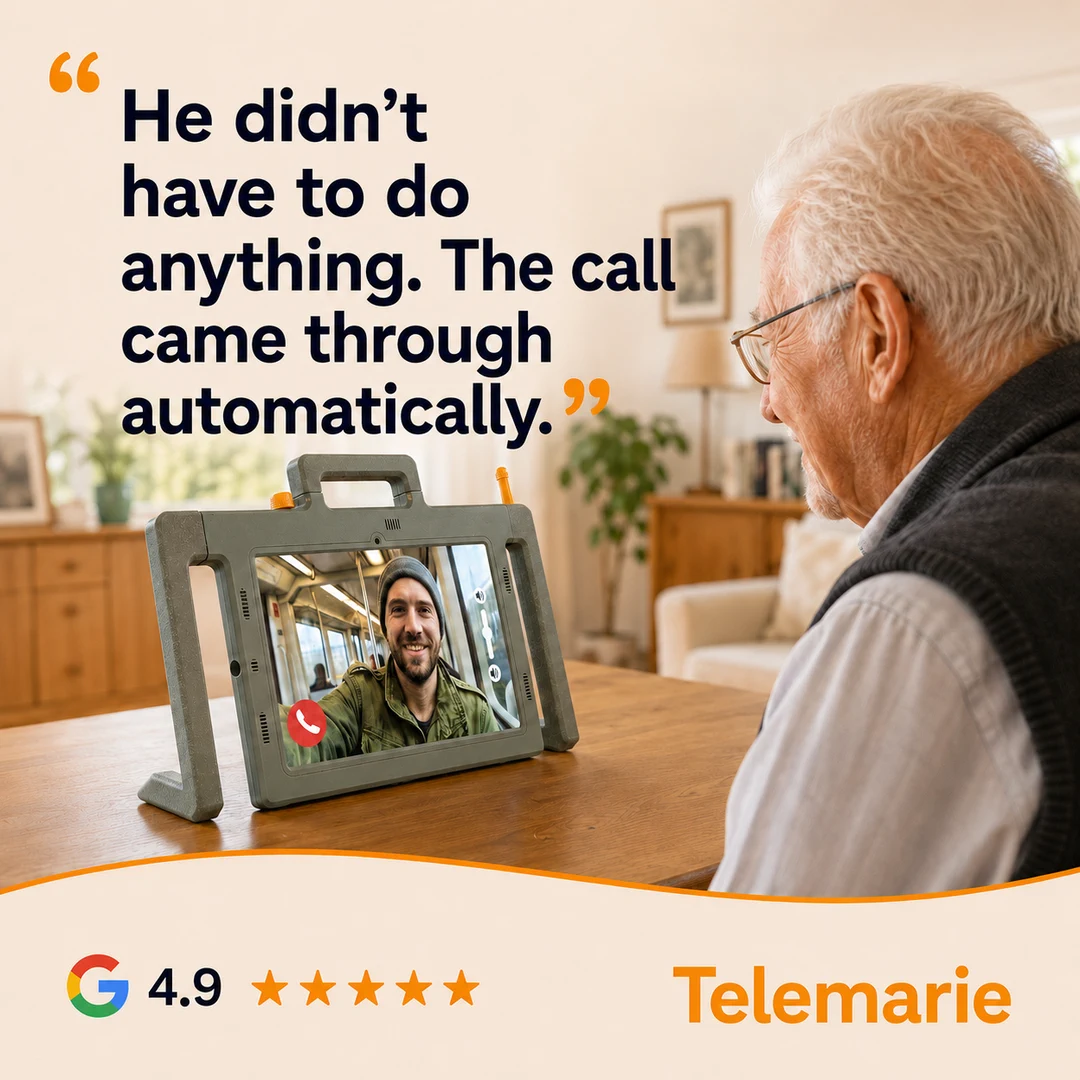
- Automatic call answering
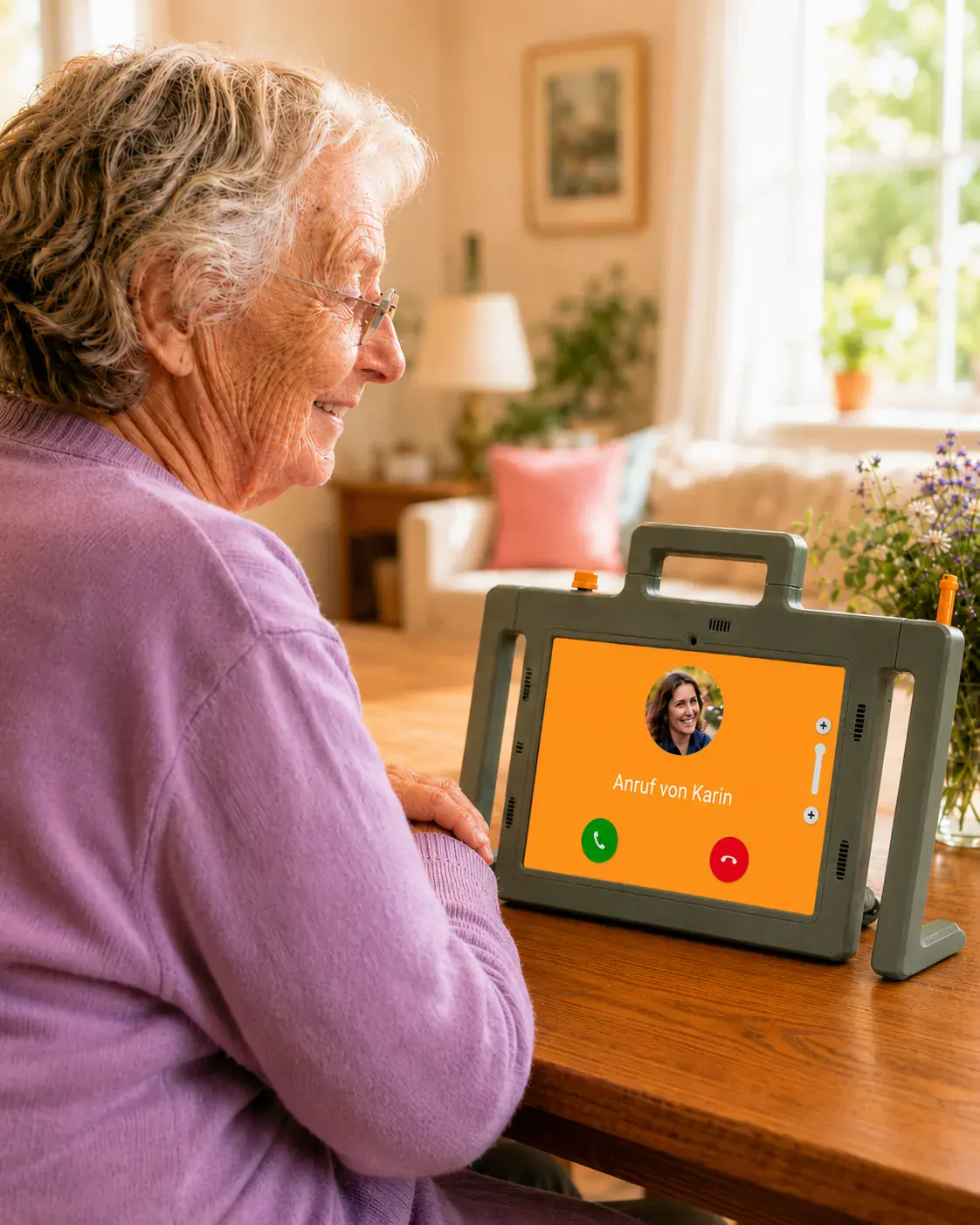
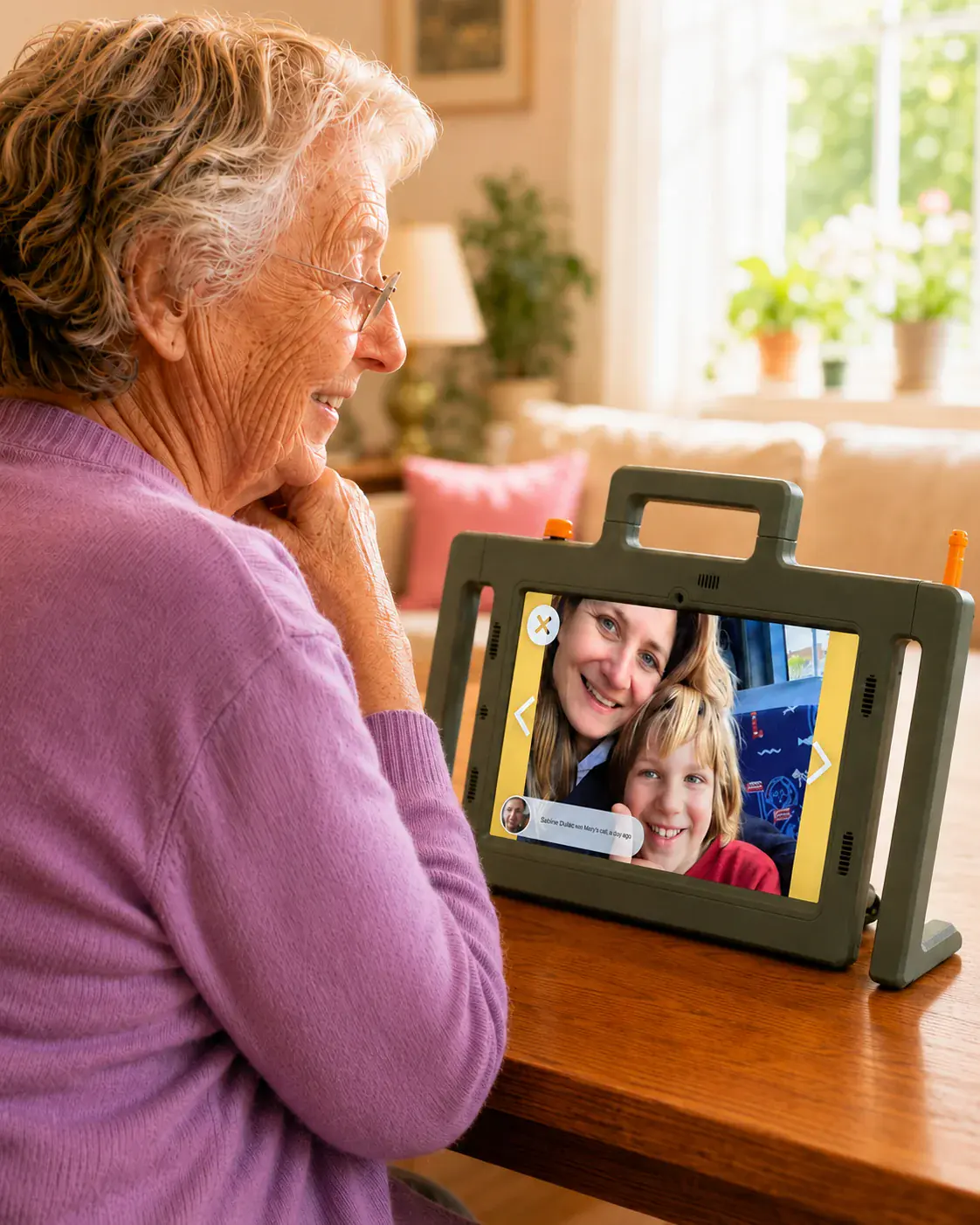
Share everyday moments
stay involved- Receive photos
- Digital photo frame
- Look at photos together
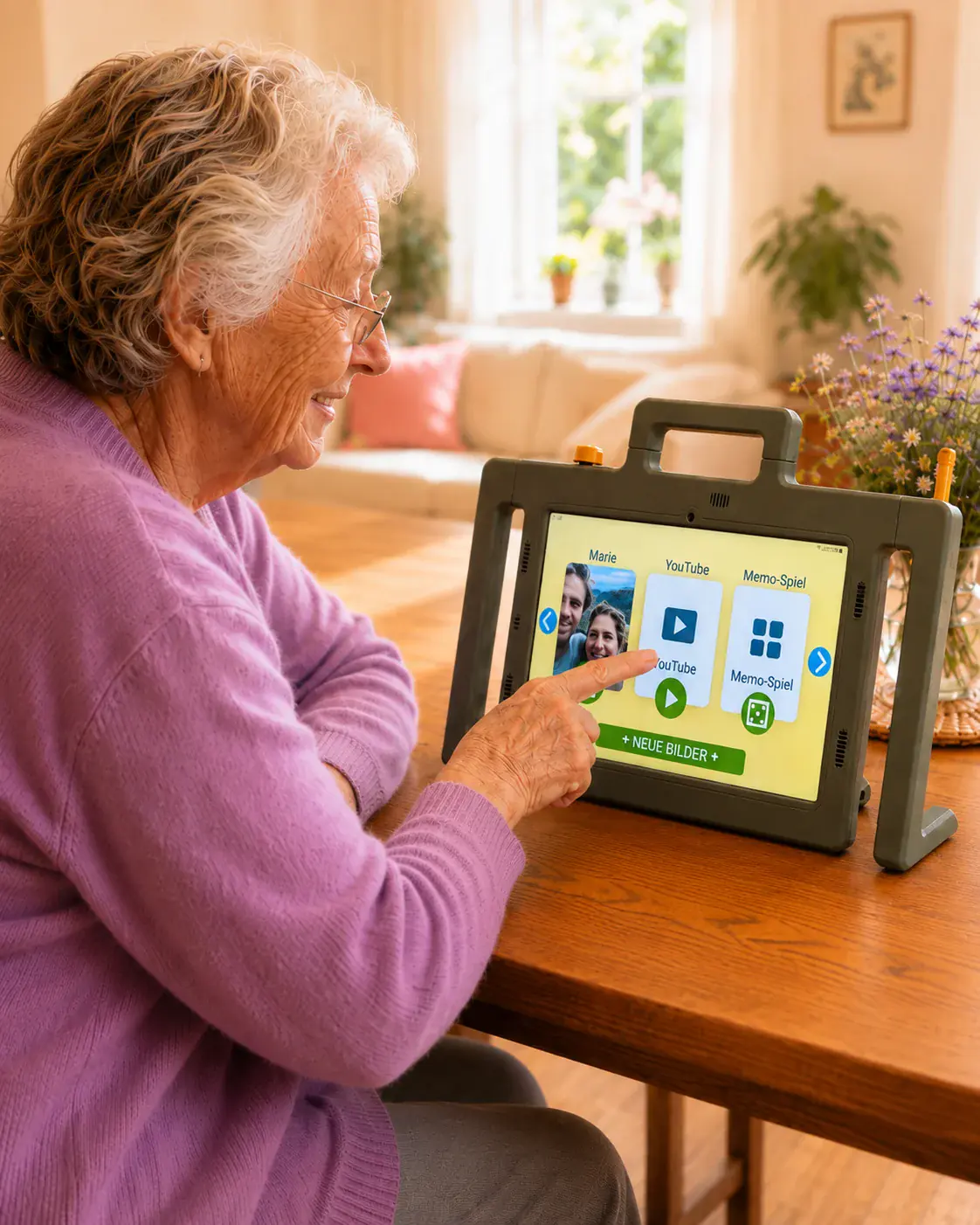
Add more when it helps
more options- Browser and selected apps
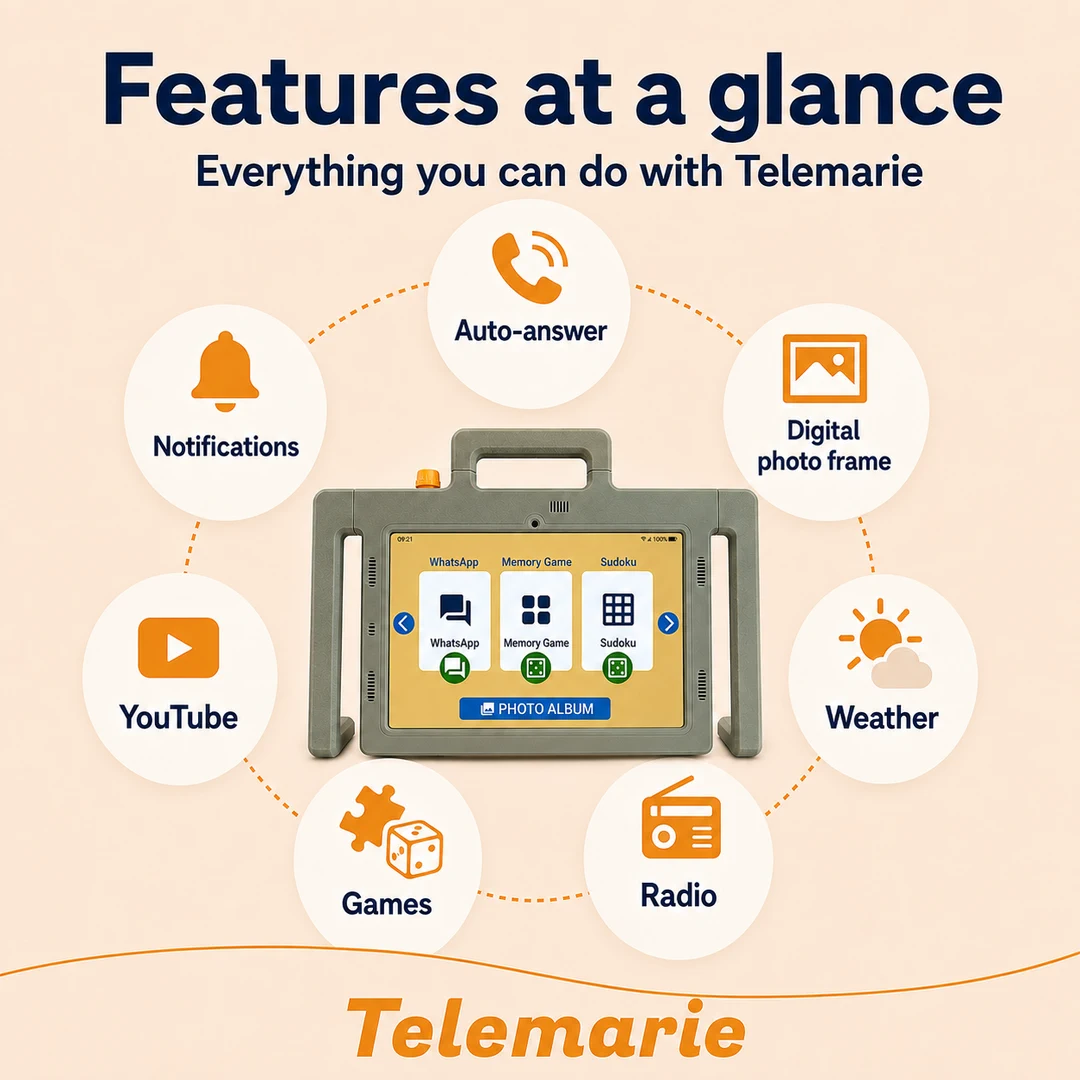
- Games and YouTube
- WhatsApp integration
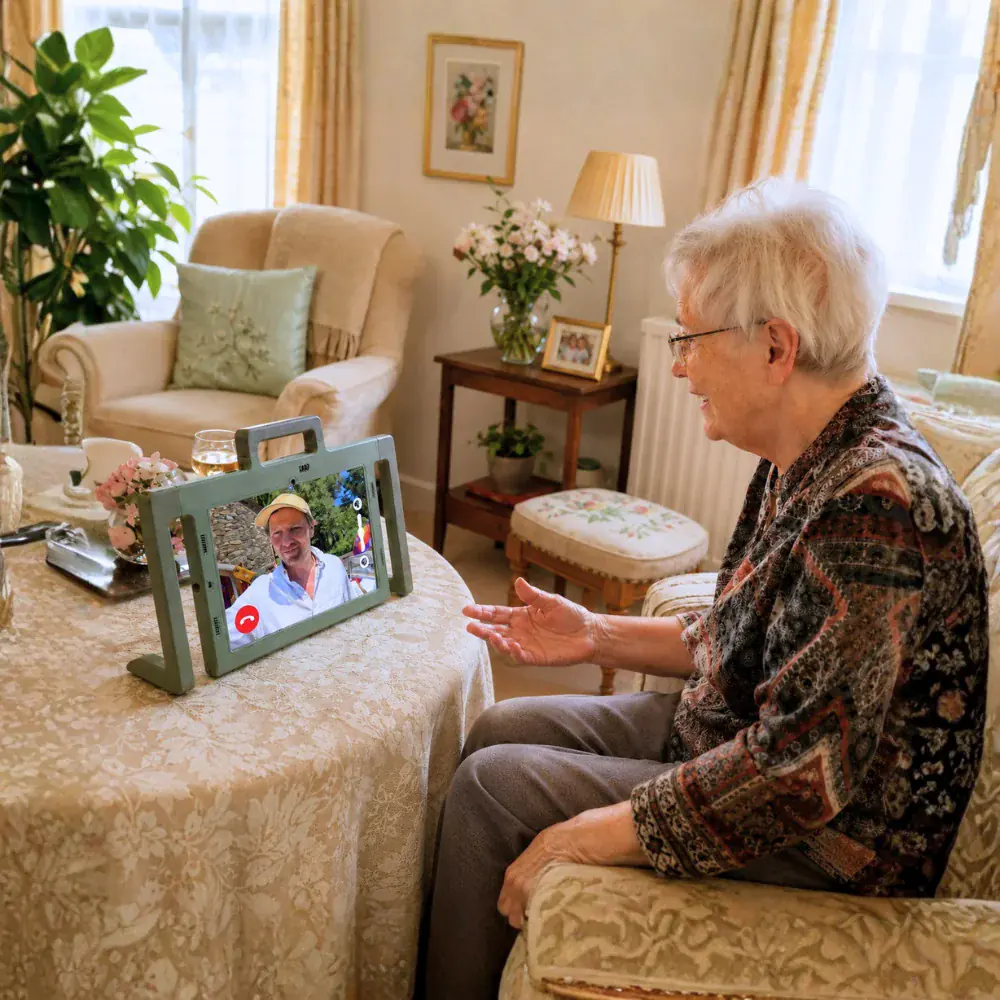
Tailored to each person
Turn individual features on or off as needs change. Telemarie can be simplified or expanded at any time, at no extra cost.
Staying close every day
See your family. Without the technical hassle.
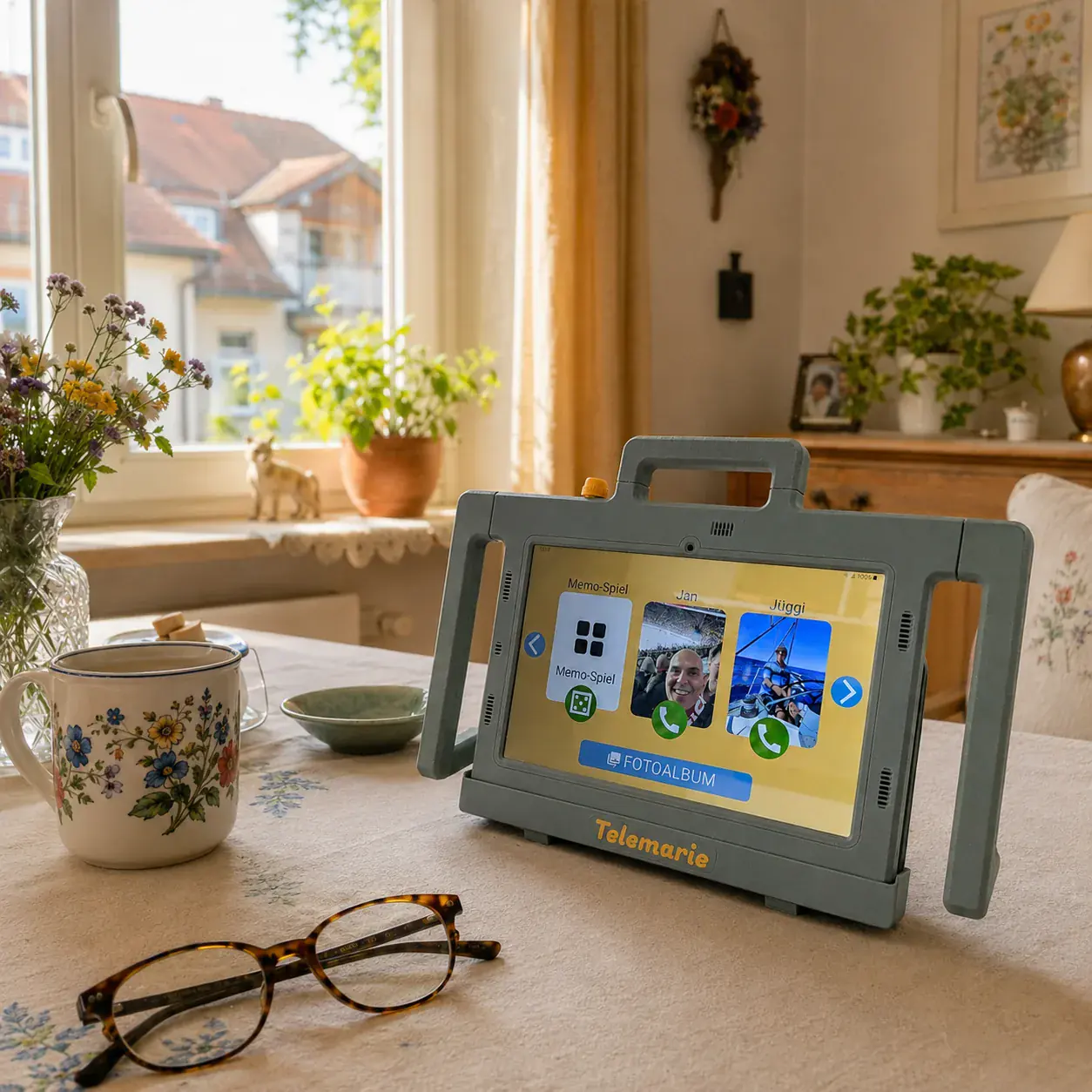
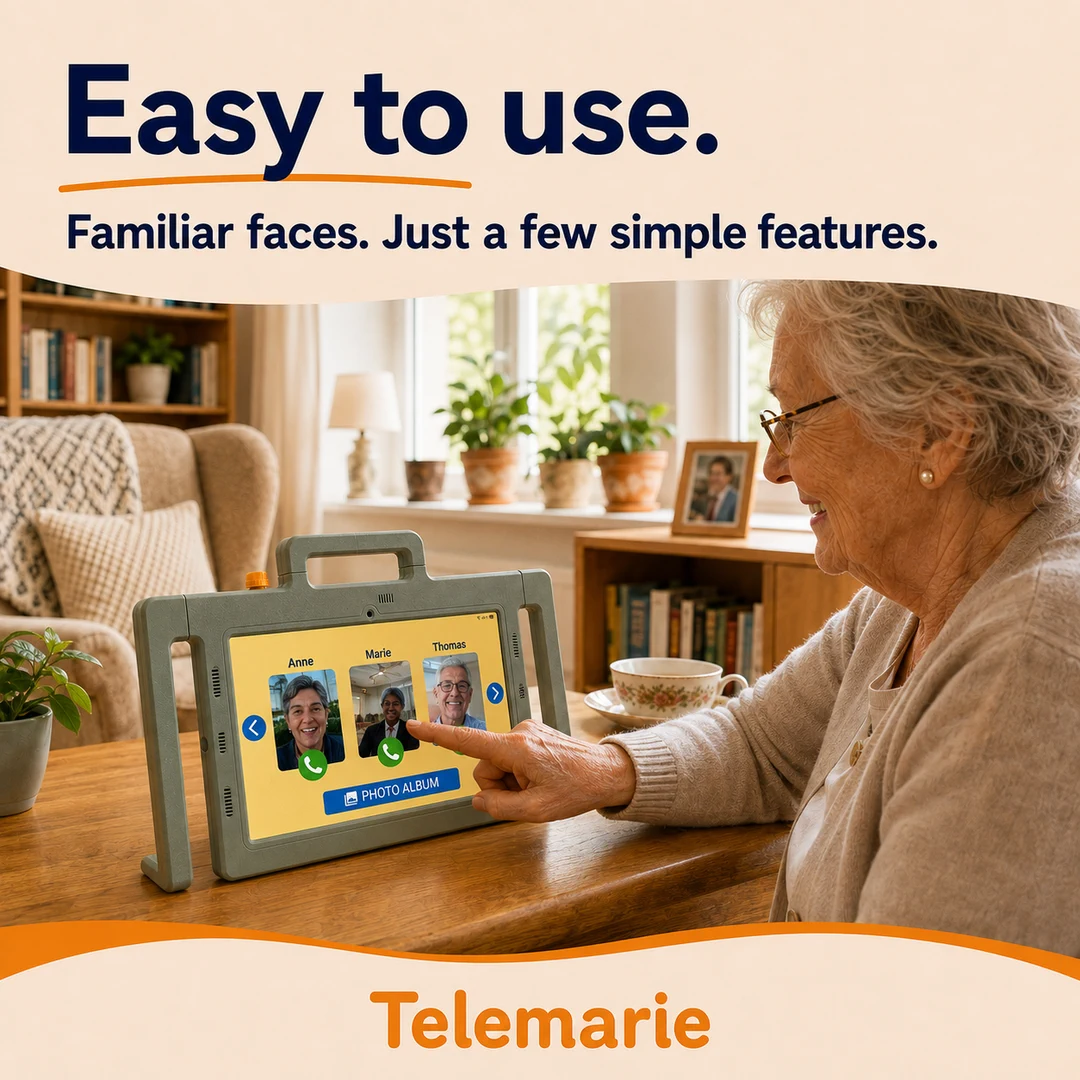
Telemarie brings video calls, family photos and messages to your parent or grandparent in a simple, familiar way. Everything is large, clear and easy to find—with no cluttered apps, complicated menus or tiny icons.
- Video calls with familiar faces
- Photos sent directly by family
- Messages displayed clearly
- A digital photo frame for everyday moments
As simple as it needs to be
Only show what is useful.
Whether it is video calling, a photo album, a digital photo frame, games or YouTube, Telemarie can display only the features that are useful right now. The screen stays calm and uncluttered, with room to add more later.
- Show or hide individual features
- Games such as Memory, Sudoku or word search
- Allow selected YouTube videos
- Keep the interface calm and uncluttered
Support for the family
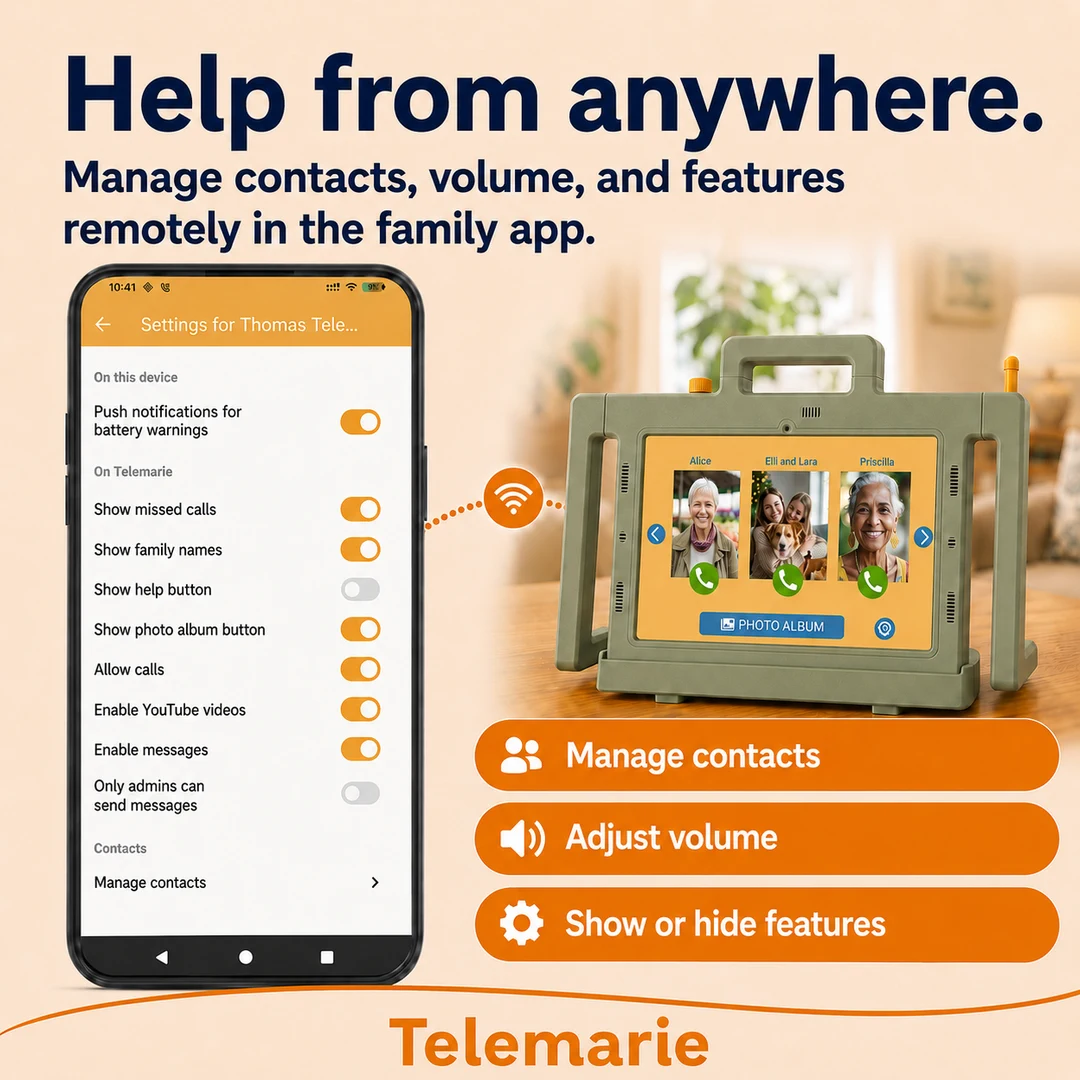
Help, even from a distance.
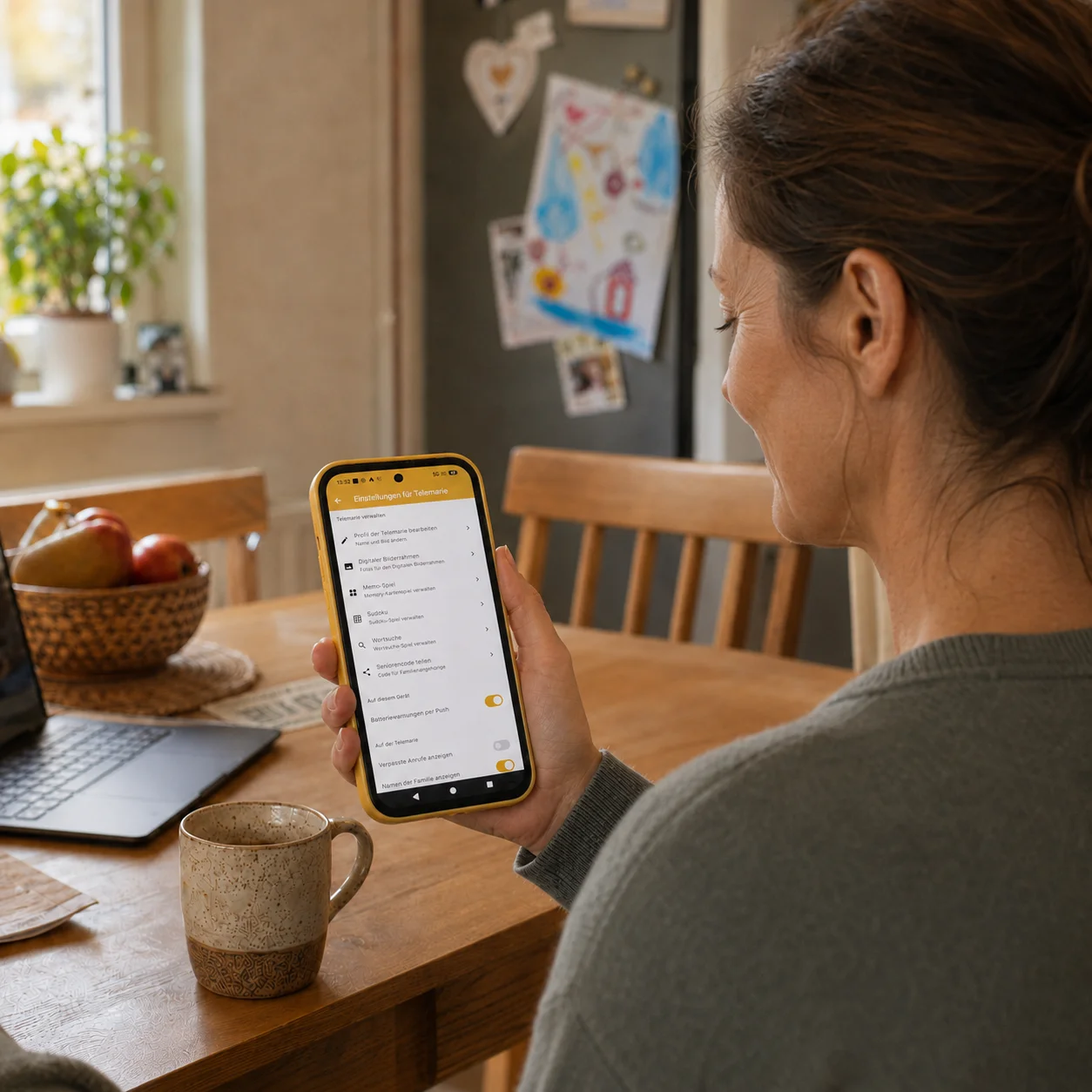
The Telemarie family app lets relatives manage important settings remotely—from contacts and volume to the digital photo frame, visible features and automatic call answering. You can make small adjustments between visits, while our team is available by phone, email or remote support for technical questions.
- Manage contacts and their display order
- Adjust the volume remotely
- Turn automatic call answering on or off
- Receive battery alerts
- Show or hide games and YouTube
- Simplify or expand the home screen
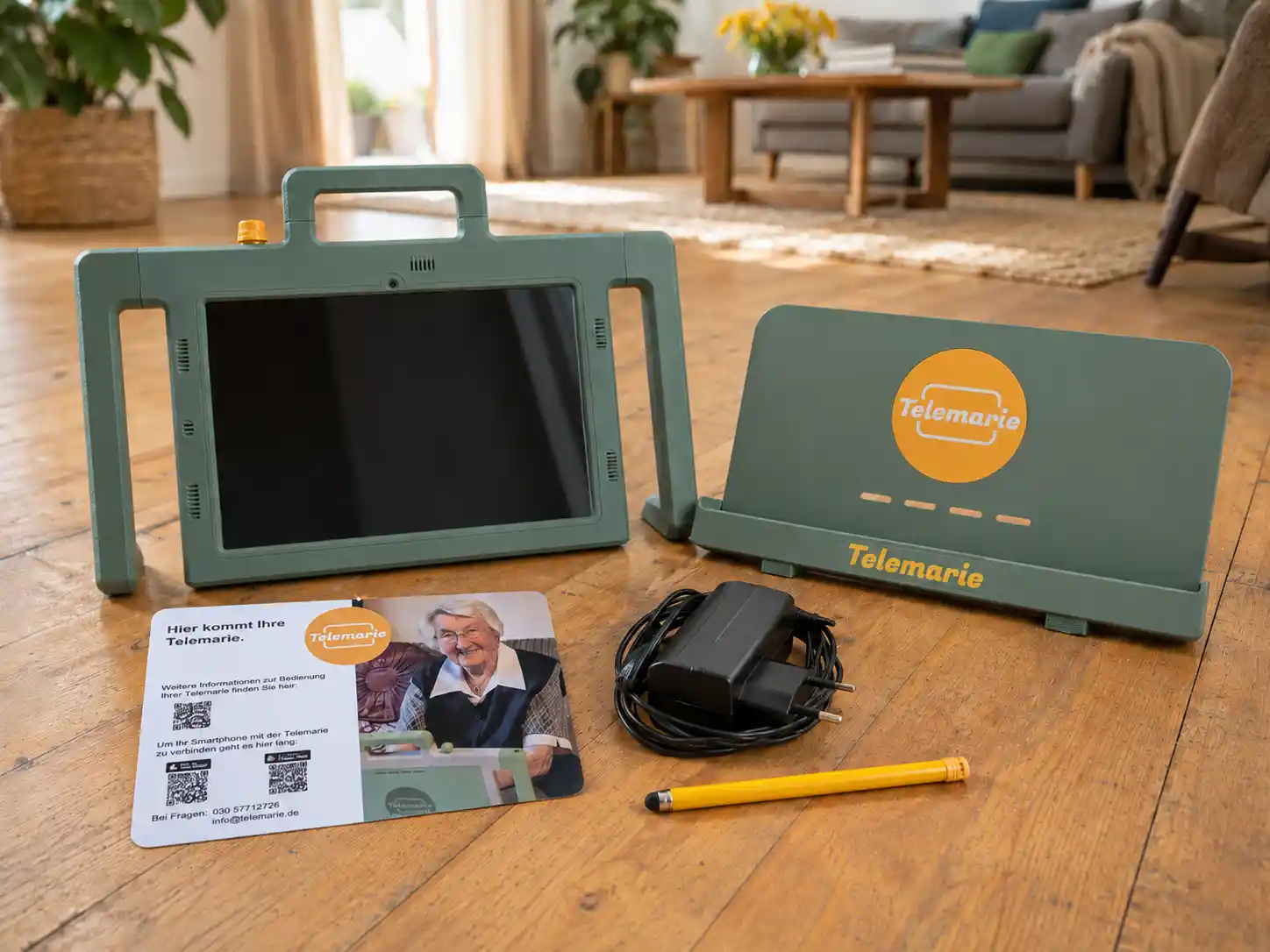
Everything you need is included
✓
Telemarie tablet – 10.1-inch Samsung tablet with reliable performance
✓
Charging dock – a stable stand that makes charging easy
✓
Protective case – easy to hold and designed for everyday use
✓
Clear, powerful sound – four speakers for easy-to-hear calls
✓
Power adapter and stylus – easier tapping with fewer accidental touches
✓
Telemarie family app – for iOS and Android, with no limit on family members
All features included
Your rental includes updates, new features and optional functions at no extra cost. These include the digital photo frame, games, YouTube, messages and additional apps, all of which can be turned on or off whenever needed.
Included in your Telemarie subscription
Support when you need it
Our help does not stop once your order arrives.
Personal support
Help by phone, email or remote access
Free replacement
If the device develops a fault
Cover for accidental drops
Protection against accidental drop damage
If something goes wrong, a real person will help you sort it out.
Price & trial period
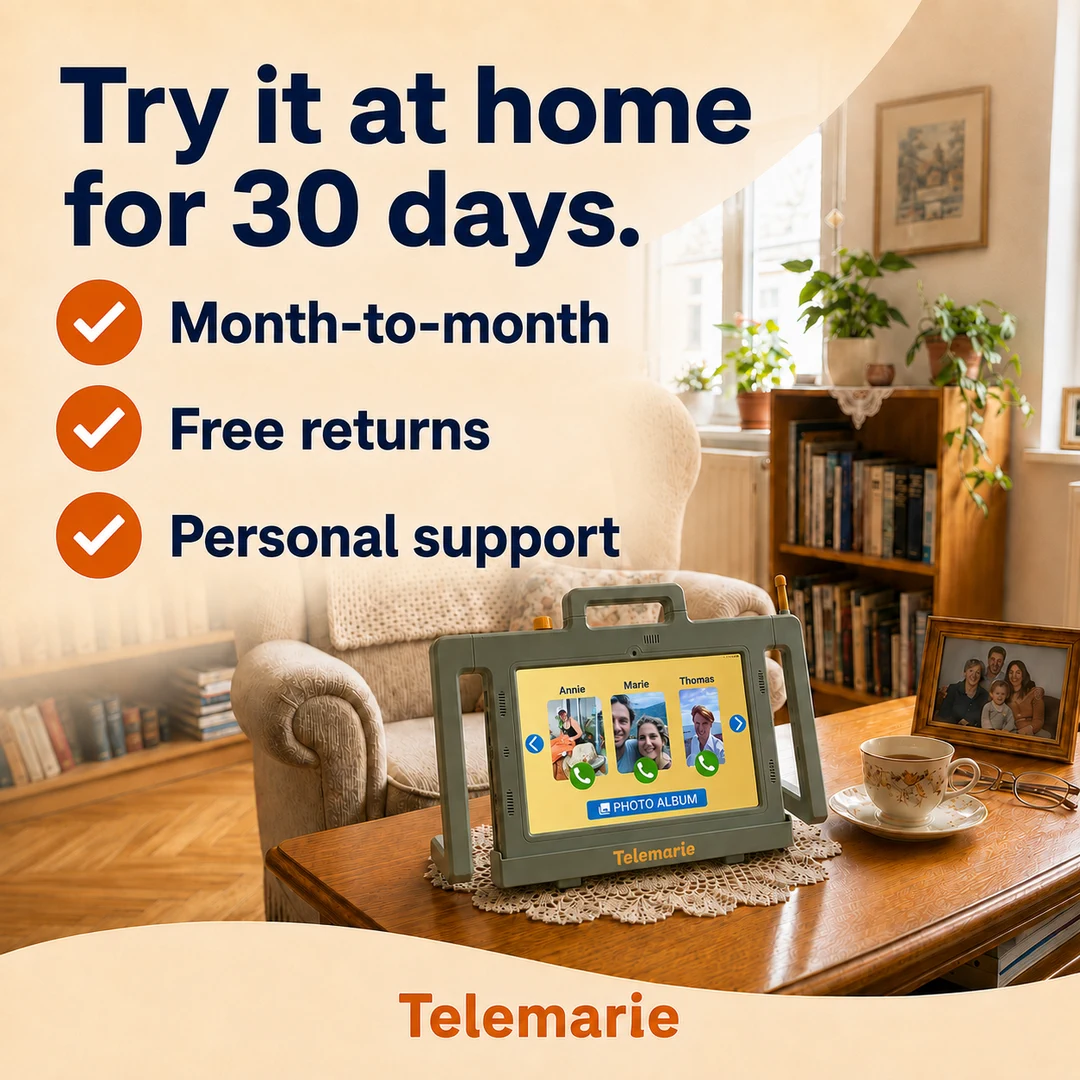
Try Telemarie at home for 30 days.
Take 30 days to see whether Telemarie is right for your family. There is no rental fee during the trial; you only pay for shipping when you order.
30-day trial with no rental fee
Pay only for shipping today
Order today
We send Telemarie by DHL. Today, you pay only the shipping charge—not the device rental.
€7.69DHL shipping charge
30-day trial
Try it at your own pace. Your 30-day trial begins when the package arrives.
No rental fee
Stay flexible after the trial
If you decide to keep Telemarie, the monthly rental begins. You can cancel in any month.
€34.90€29.90/ monthwithout mobile internet
Choose a preferred delivery dateAdd your preferred delivery date to the order notes when you check out.
Start your 30-day trialAll prices are in euros and orders are dispatched from Germany. Please contact us before ordering if you require delivery outside Germany.
- ✓All features included
- ✓Cancel any month
- ✓Free return shipping


Swipe
Supported by






FAQ
Questions? We are here to help.

Help from a real person
Clear, patient support whenever you need it.
Is Telemarie the right tablet for my mother or father?
Telemarie is designed for older people who find a standard smartphone or tablet too complicated. It is particularly helpful when video calls, family photos and staying in touch matter, but the technology should remain firmly in the background.
Can Telemarie do more than video calls and photos?
Telemarie starts with a deliberately simple set-up. If more features become useful later, the family can add reminders, a digital photo frame, games, YouTube and other helpful tools. The screen stays clear and can be adapted as needs change.
How do we get started at home?
Order Telemarie online and it will arrive ready to set up. A family member connects the Telemarie family app, adds contacts and photos, and chooses which features to display. Your parent or grandparent can then start using it without having to configure the tablet themselves.
Does Telemarie need an internet connection?
Yes. Video calls, photos and messages require internet access. A stable home Wi-Fi connection is sufficient. If Wi-Fi is unavailable or unreliable, Telemarie can also be used with a mobile data connection.
How much is 60 GB of mobile data?
For typical Telemarie use, 60 GB is usually enough for video calls, photos, messages and occasional videos. It is not an unlimited plan for continuous streaming, but it should comfortably cover normal family use.
How do the trial period and cancellation work?
You can try Telemarie at home for 30 days without paying a rental fee; only the shipping charge is due when you order. If it is not right for you, simply return the device. If you keep it, the monthly rental begins and you can cancel in any month.
Can we get help if anything is unclear?
Yes. Call us on +49 30 57712725 or email info@telemarie.de. Our team provides personal support with set-up and day-to-day use. Our support team is based in Germany.
Customer reviews
Google reviews · Excellent (4.9)
Translated from German